Please consult the 'How to Register' section to understand the two registration steps.
YouTube video tutorial for Indico account creation: link
Guide to creating an Indico account
1. Go to the registration page. It is either CTBTO Indico or UN Indico:
- Registration Step 1 - CTBTO Indico: https://conferences.ctbto.org
- Registration Step 2 - UN Indico: https://indico.un.org
and click Login in the upper right corner of the page.
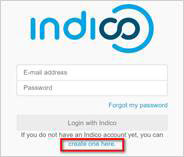
2. Click Create one here.
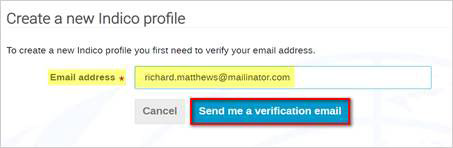
3. Enter your email address, fill in the CAPTCHA (if requested), and click Send me a verification email.
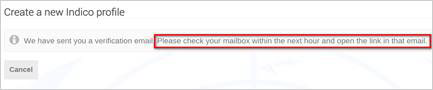
4. You should receive an email with an activation link. The link is only valid for 1 hour.
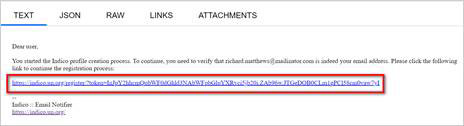
5. When you receive the email, click the link to complete the registration.
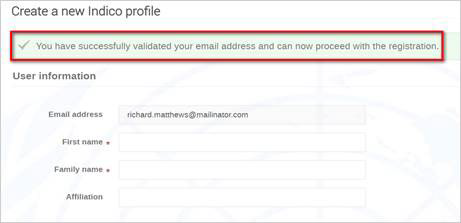
6. A confirmation message appears. Enter your user information and set the password. If you do not set a password and close the screen, you will have to follow the steps to create an account again. =>Email + password = user account.
After you entered all the details, click Create my Indico profile at the bottom of the screen to save.